
Summary
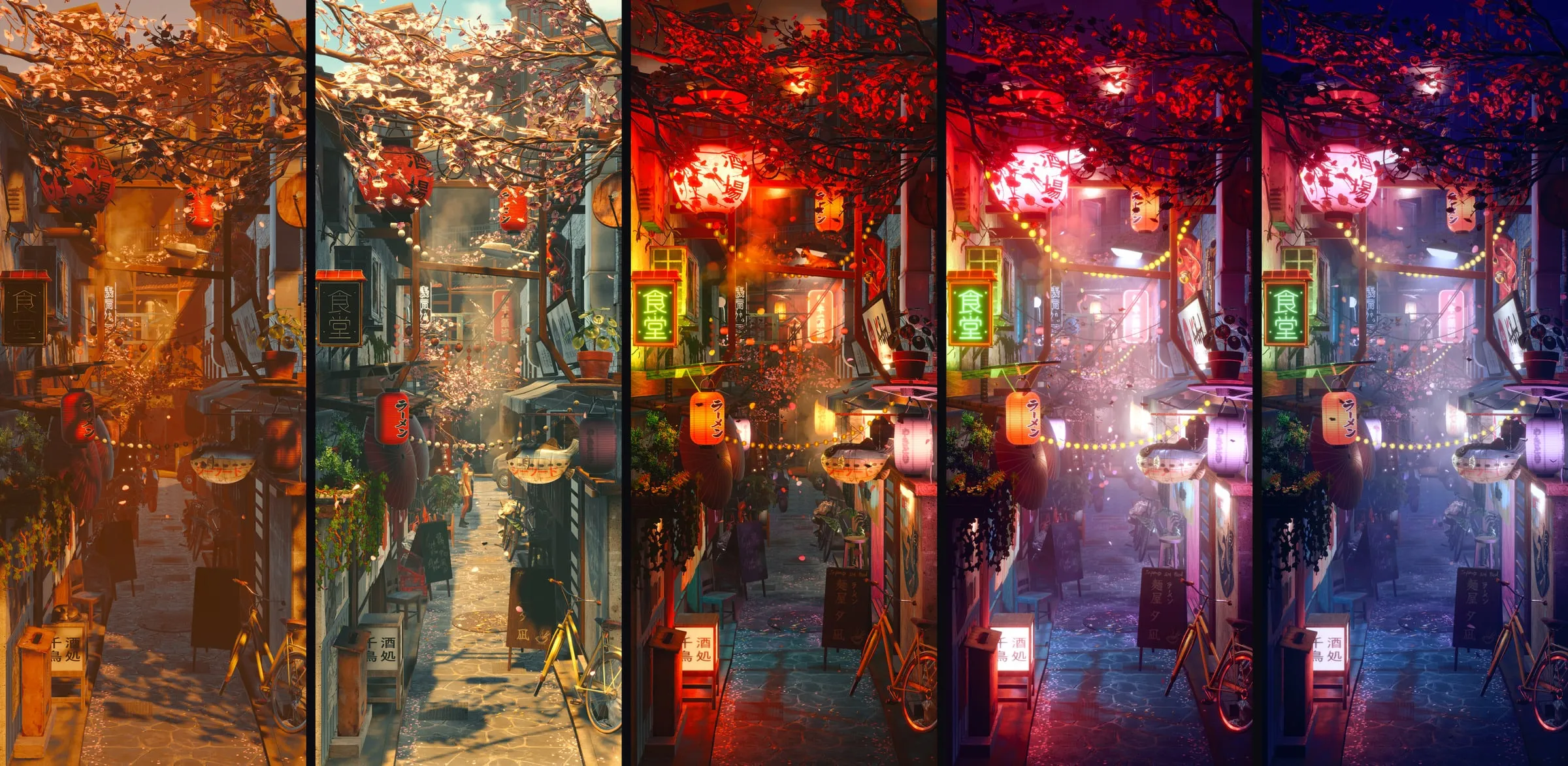
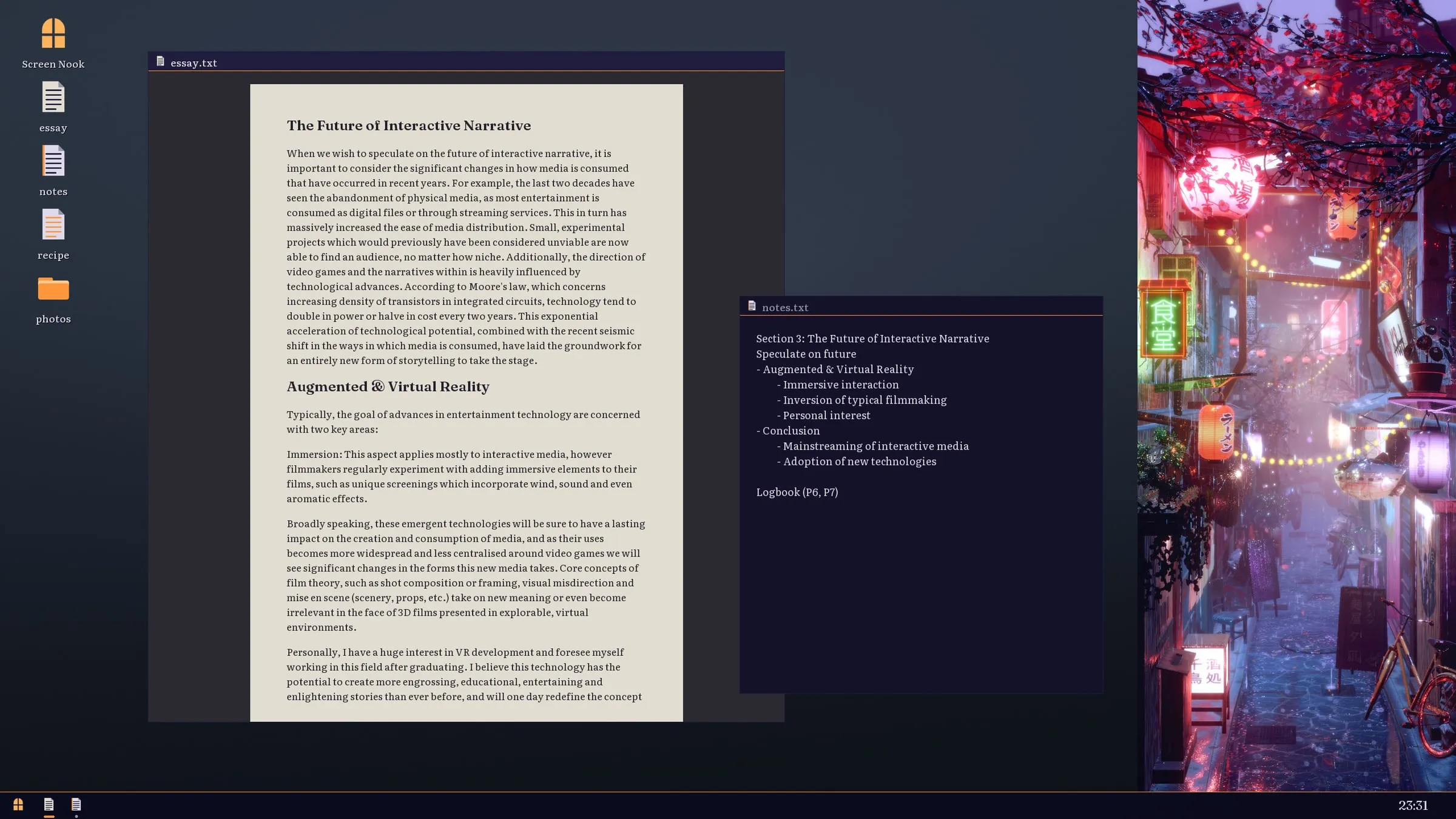
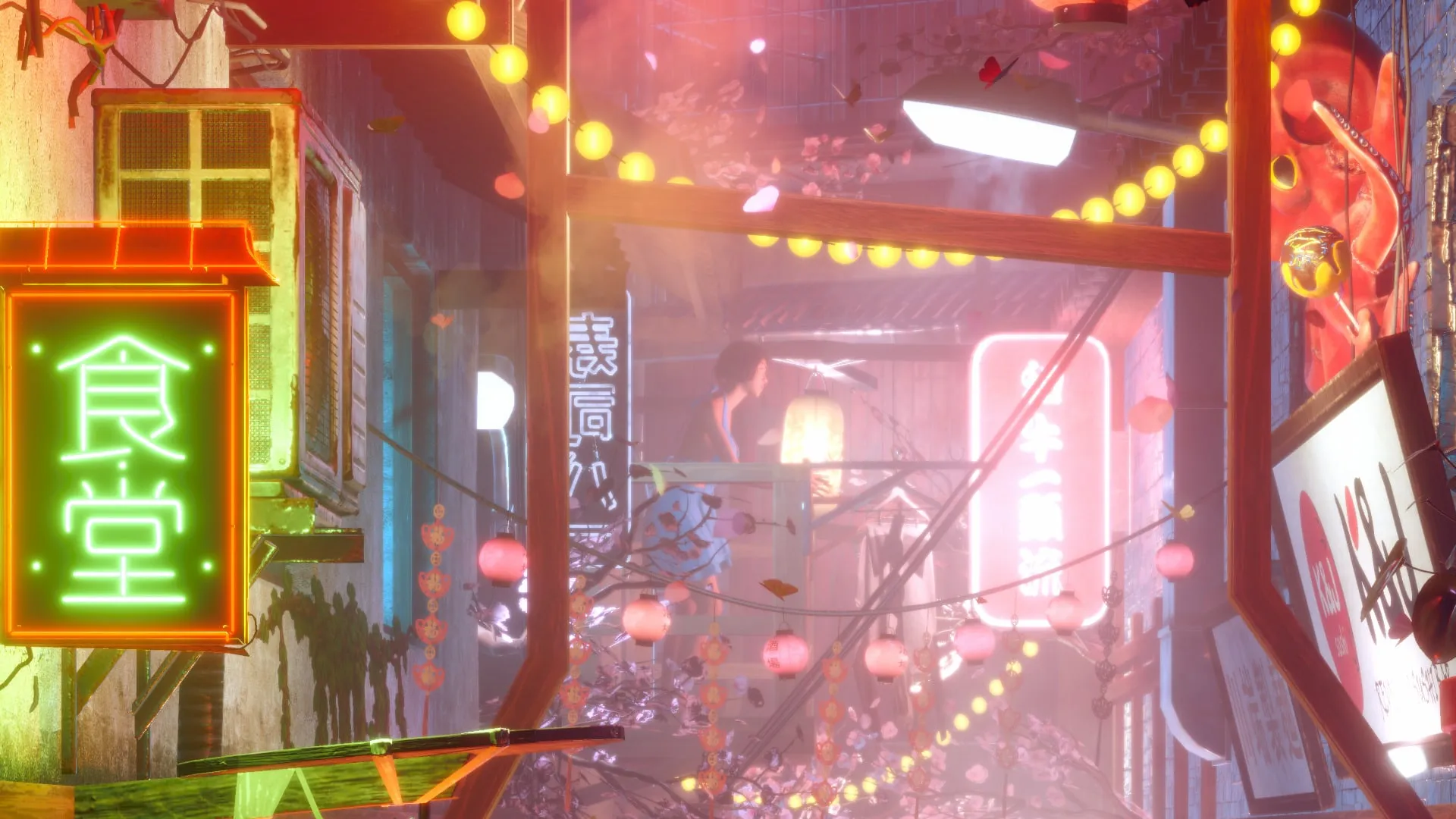
Screen Nook is a book nook for your desktop: a small, three-dimensional street in a framed window docked to the left or right edge of the screen, which follows your real day. It comes out on Steam for Windows on 1 December 2026 with three scenes, starting with Lantern Lane, a tranquil Japanese street.
There’s nothing to win and nothing to manage. It’s made to be glanced at while you work. It’s a solo project: I’m handling the design, code, lighting, scene dressing and marketing myself.
The problem
Within a few seconds of seeing it, a viewer has to believe it isn’t a video. If it fails that test, nothing else it does matters. So everything rests on presentation: real light, real depth and a real response to a real clock.
It also has to sit beside someone’s actual work all day without getting in the way. An ambient app that takes noticeable CPU or GPU is an ambient app that gets closed, so keeping it light is one of the largest parts of development.
What I’m building
A window that behaves like part of the desktop. Screen Nook registers with Windows as an app bar, so other windows, even maximised ones, resize to fill the space beside it instead of sliding underneath. A fullscreen game or video covers it and it comes back afterwards. The awkward case is a crash: Windows keeps the reserved strip of screen until something releases it, so on the next launch the app finds its own stale reservation and gives the space back.
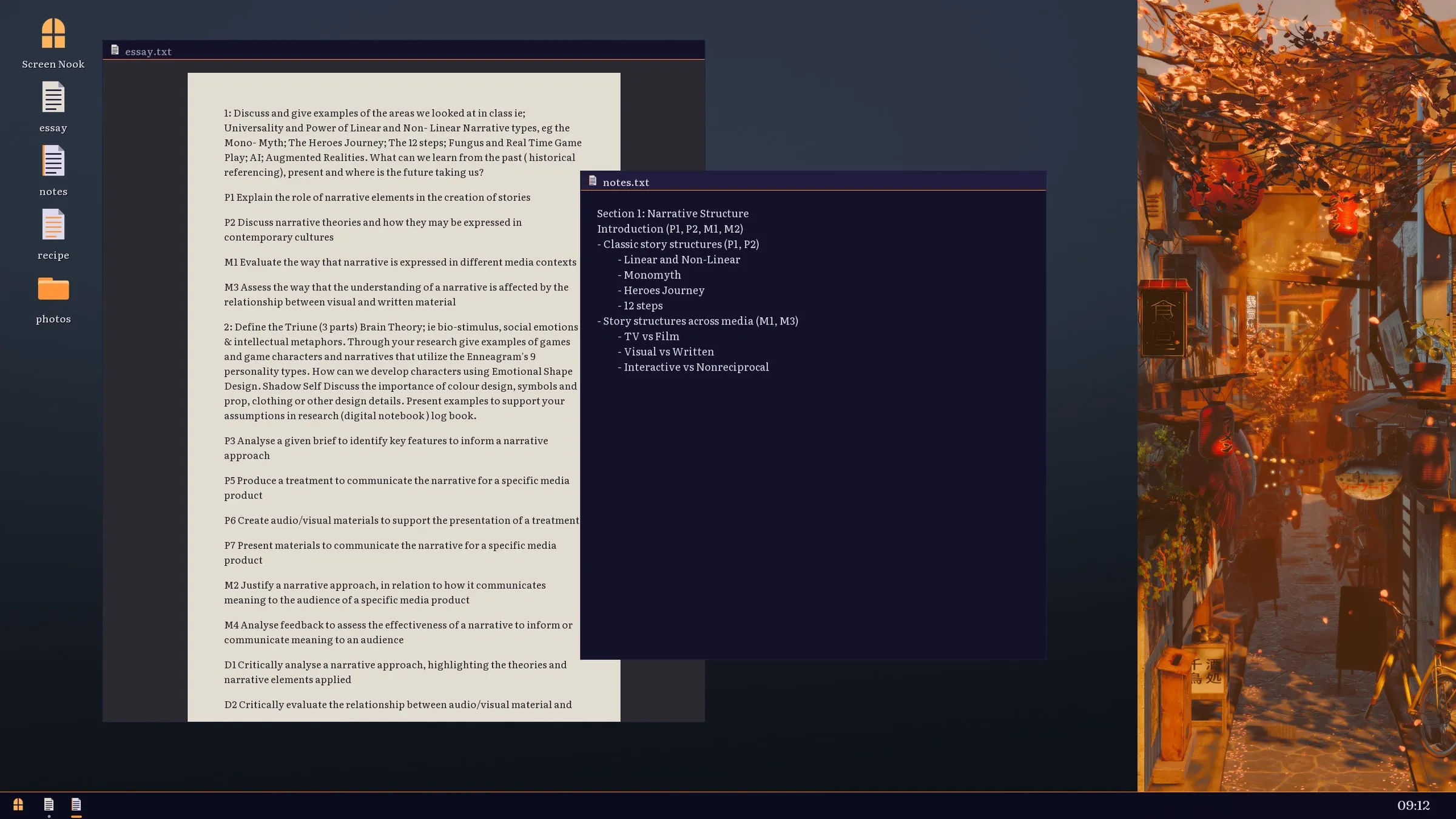
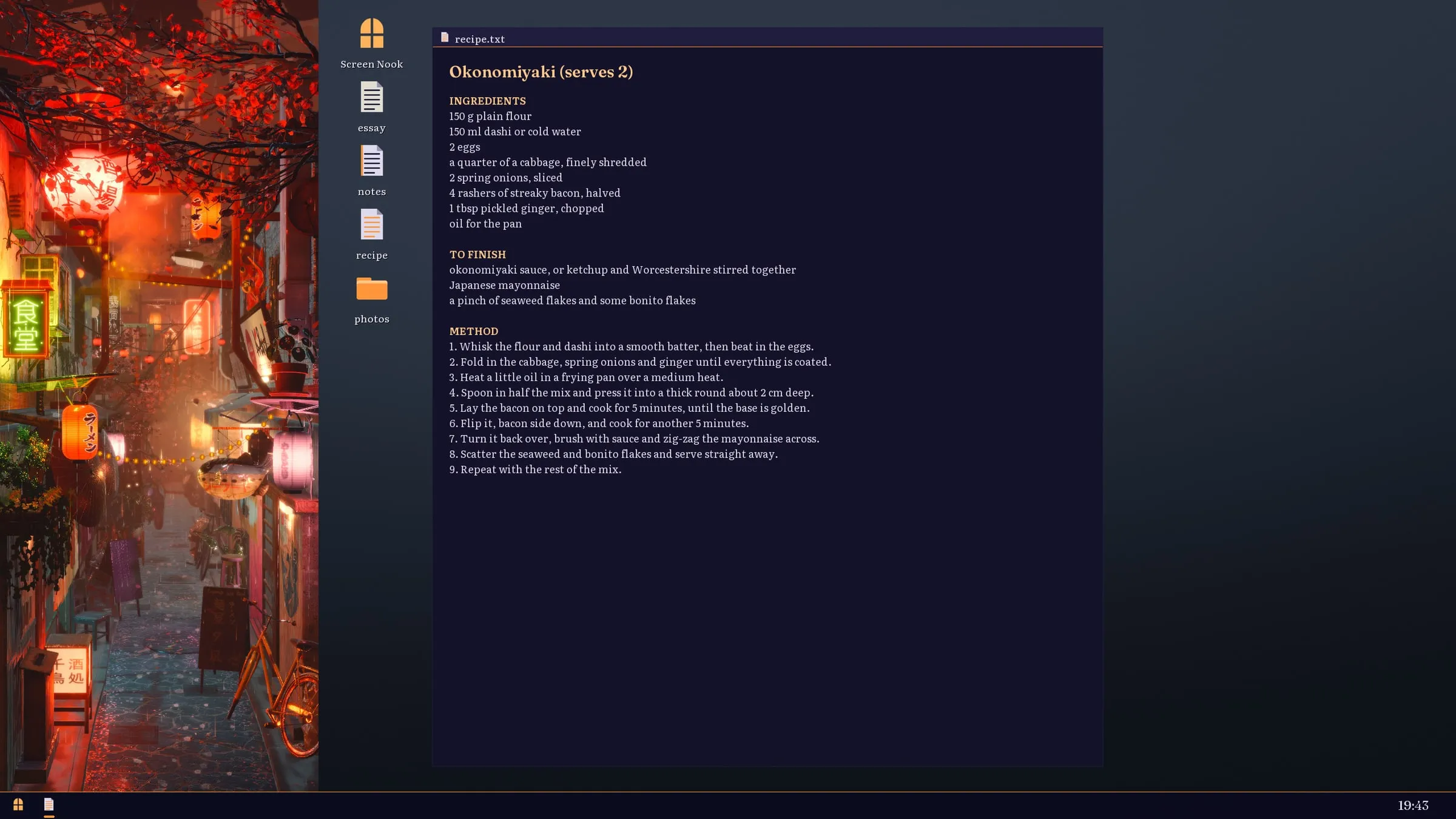
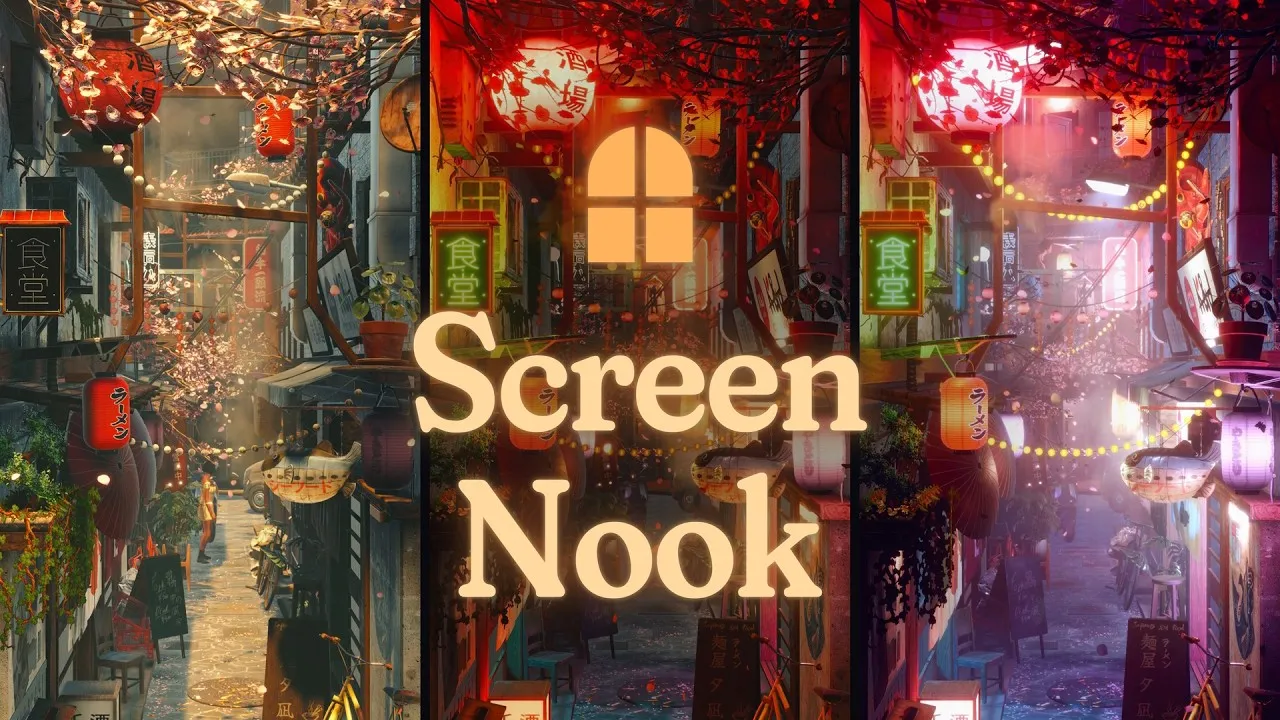
A day that follows yours. The street has six times of day, from morning to late night, each lit and graded by hand. They’re stretched onto your local sunrise and sunset, worked out from your time zone alone, with no location permission and no network. You can also follow another city’s clock, hold one time of day, or slide through the day yourself.
Weather that drifts in on its own. Seven kinds of weather roll in every few hours and blend over minutes, or you can pin the one you like. Rain wets the street before puddles form, the puddles mirror the lanterns, and everything dries out over the following hour. Wind swings the lanterns, moves cloth and plants, and dies away slowly after a gust.
Life in the street. The neighbours and the cat live their own day. A woman keeps a daily plan, changes her outfit for the weather, takes an umbrella when she goes out and hurries home when it rains. A kitchen worker steps out for a break, though never in a storm. The cat finds its own places to sit, lie down and sleep. They’re a presence rather than characters, and none of them reacts to you. The people come from a character pipeline I built around MetaHuman.
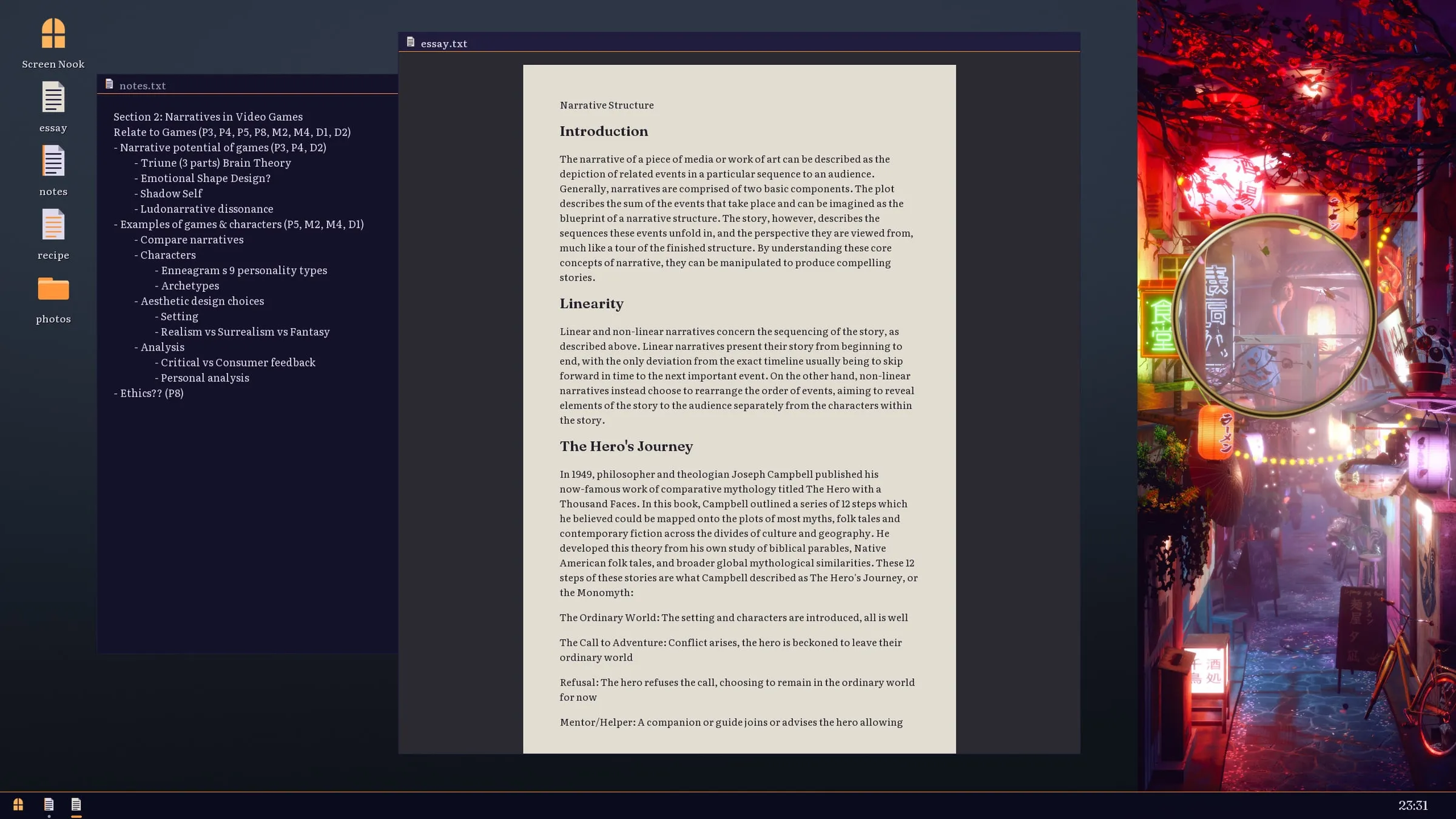
Proof that it’s really 3D. Bring the cursor close and the street shifts slightly in depth while the focus slides from the nearest lantern to the far end. A magnifier lets you lean in and read the shop signs.
Staying out of the way. One part of the app decides the frame rate from whether the window is visible, focused or near the cursor, and whether the machine is on battery, and nothing else is allowed to set it. There are quality and battery settings, reduced motion, larger text and an easy-read font, and the whole interface works from the keyboard. It’s in ten languages, and Steam achievements and Steam Cloud saves are there at launch.
Technical detail
Unity 6 LTS on URP Forward+, Windows only, with every Windows-specific call behind one platform layer. To make a 3D street read like a book nook, the geometry tapers towards the back with a forced-perspective deform. A projection matrix can’t do that, because the width of the scene has to change with depth, so it runs per vertex, and it has to be applied in every pass - shadows and depth included - or the shadows sit in the wrong place.
Unlike most of my work, Screen Nook lives or dies on how it looks, so most of the effort goes into the visual side of Unity. The sun is a real-time light moving across the sky, while the softer bounced light is baked into probe volumes and blended between lighting setups as the hours pass. Rain, runoff, petals, steam and moths are particle effects built in VFX Graph, the wet street mirrors the lanterns with a planar reflection, and post-processing handles the depth of field and the hand-made colour grade for each time of day. The magnifier is a second camera rendering only what’s under the lens. Every one of those systems has to be tuned by eye against the others, which is a very different discipline from making a game play well.
What I’m taking from it
Screen Nook is the first product where I own every part, from the first design decision to the Steam page. It’s teaching me as much about lighting, colour and presentation as about code, and about how many small visual decisions it takes before a scene stops looking like a scene and starts looking like a place.
It’s also a lesson in building for the desktop rather than a game window. A game gets the whole screen and the player’s full attention; Screen Nook gets a strip at the edge and a glance every few minutes, so it has to be a good neighbour to everything else running beside it.
And it’s my first time taking a product to Steam on my own, which means the parts that aren’t the product itself: setting up the store page, getting achievements and cloud saves working, cutting a trailer, building the website, and producing every screenshot and clip for them. I built a capture pipeline to render all of that media straight from the app, so the store page always shows exactly what people will get. Learning how a small game finds its audience, and how much of that work happens before launch, is turning out to be as big a job as the build.
It’s in development now and out on 1 December, with more scenes and ongoing updates to follow after launch.
Trailer. Plays from YouTube.