
Summary
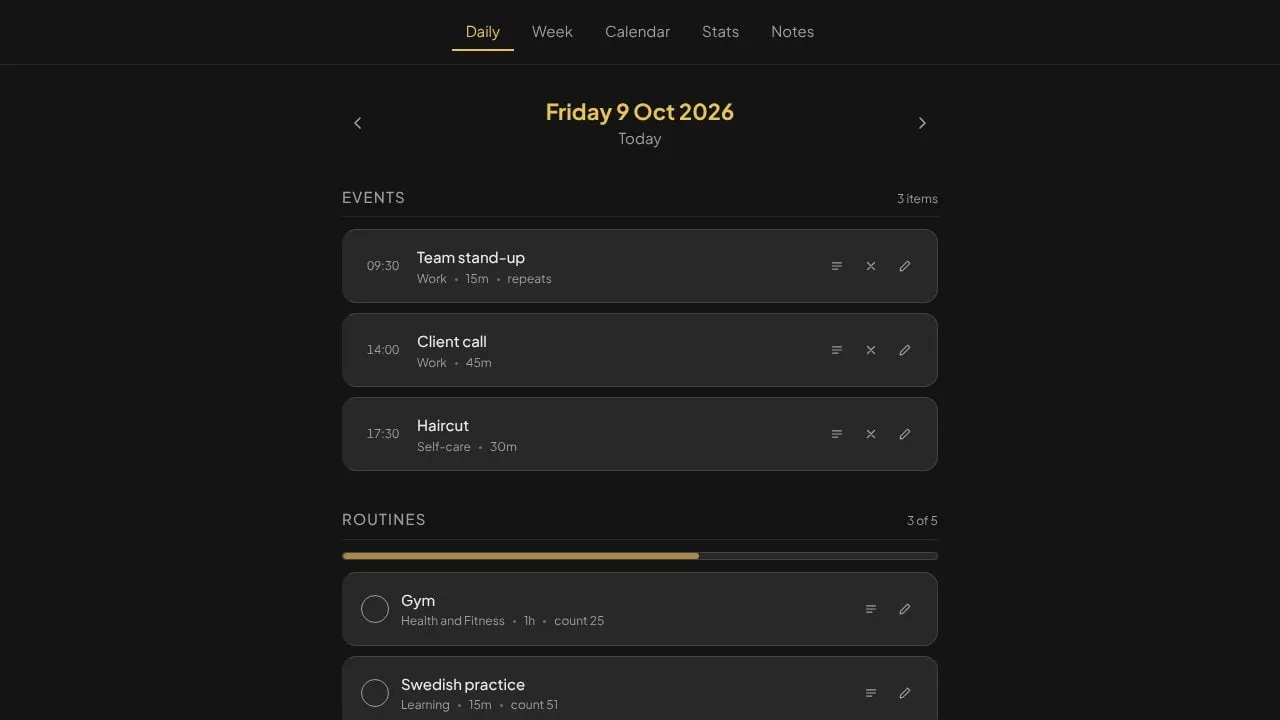
Plainly is a calm, private daily planner for routines, tasks, events and notes. It’s for anyone who has set a planner up carefully and abandoned it, and anyone tired of apps that keep score. It has no streaks, no confetti, no mascot and no guilt mechanics, and your data stays on your device unless you choose to sync it.
It runs in the browser, as a Windows desktop app and on Android, and installs to the home screen on iPhone. I designed and built it on my own.
The problem
Almost every productivity app is built on shame: streaks that break, counters that reset, a character who is disappointed in you. For a lot of people that isn’t motivating. It’s the exact mechanism that gets the app deleted in week three.
Removing the shame is easy to say and hard to build, because it isn’t one feature. It’s a constraint on every part of the product: counts that only go up, no red anywhere, notifications that state a fact once and never nag, and wording that reads like a well-made tool rather than a therapist.
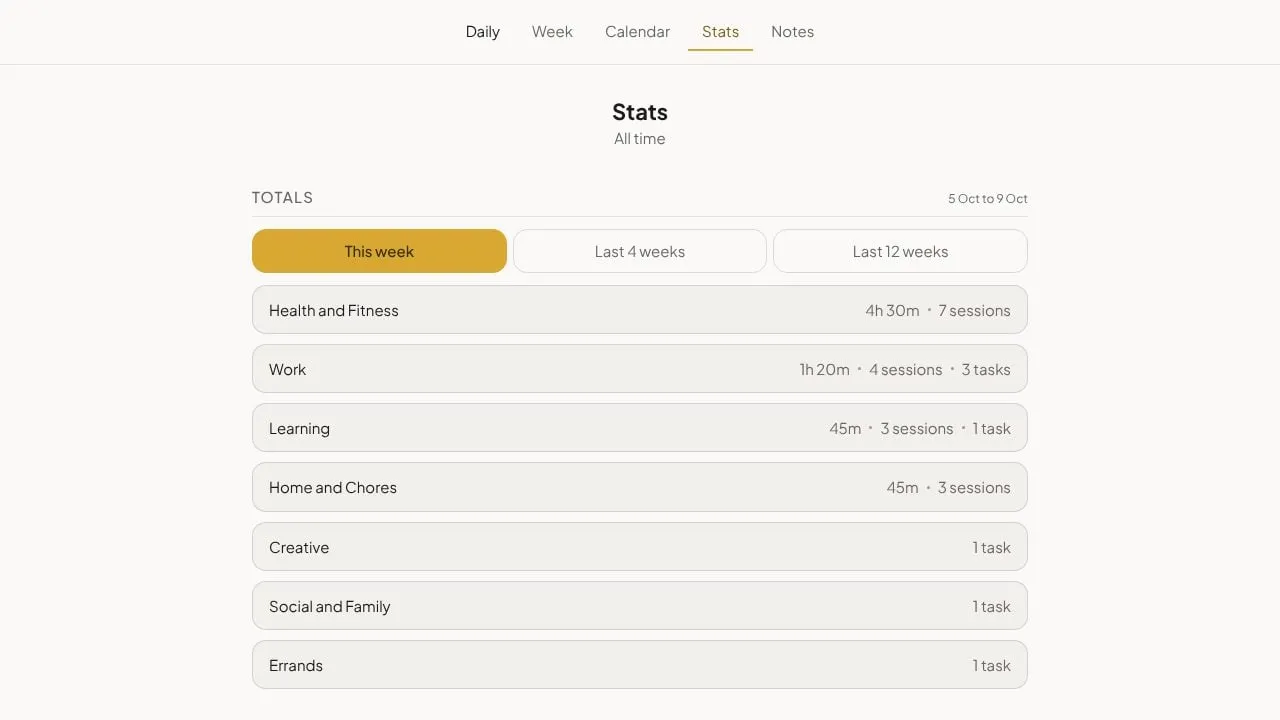
One example of how easy it is to get wrong. Plainly has a “fresh start” option that clears your history. The first version did exactly that, and the statistics then showed solid 0% bars across the whole of the past, because every cleared day now counted as a scheduled day with nothing done. A feature meant to remove a record had turned it into a record of failure. The fix was to make a cleared day mean nothing at all rather than zero, and to make every calculation in the app take that into account, so a new screen can’t forget it.
Private by design
Privacy is the second principle. The app works fully offline with no account. Sync across devices is opt-in: you only sign in if you want it, and each person’s data is locked to them on the server. Nothing you write is analysed, used for anything else or sold, and you can export all of it to a single file whenever you want.
What I built
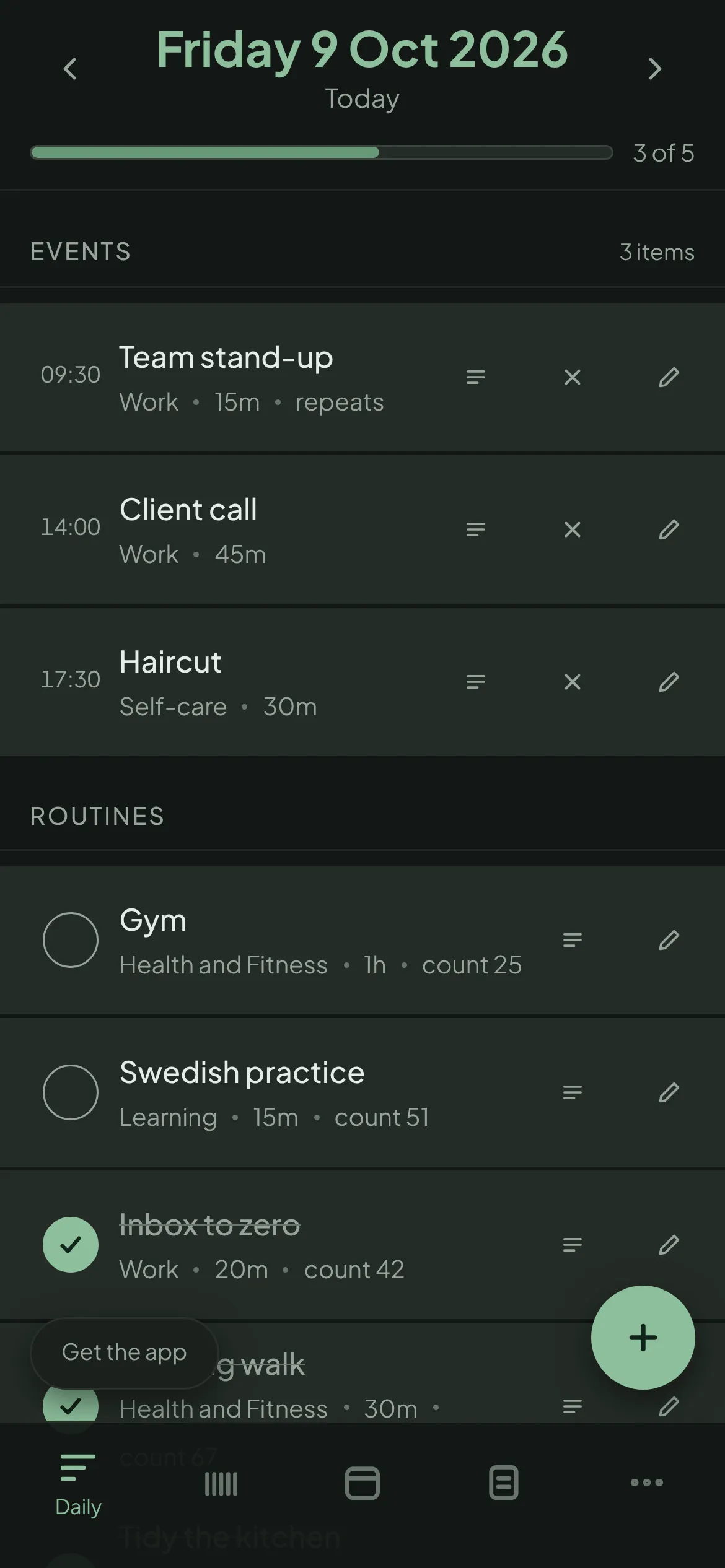
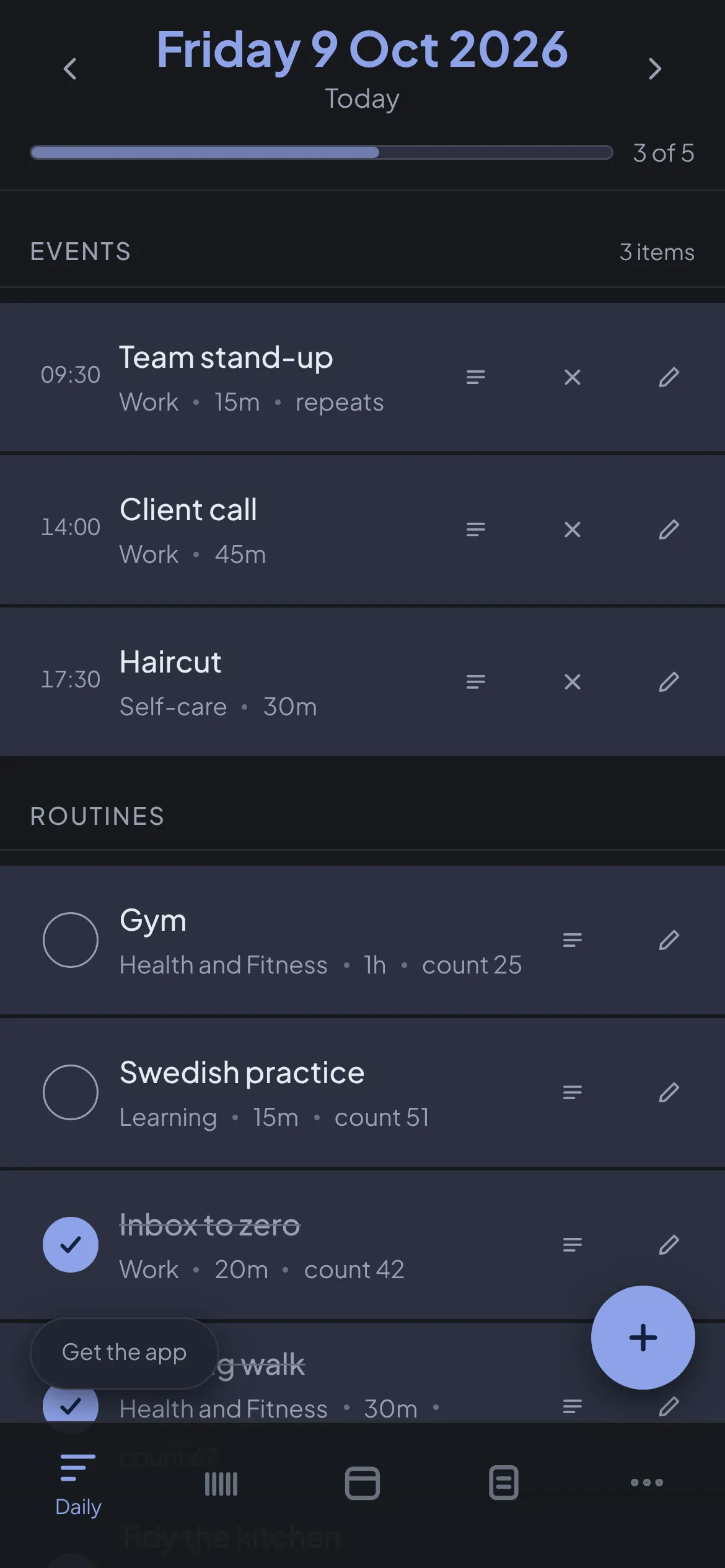
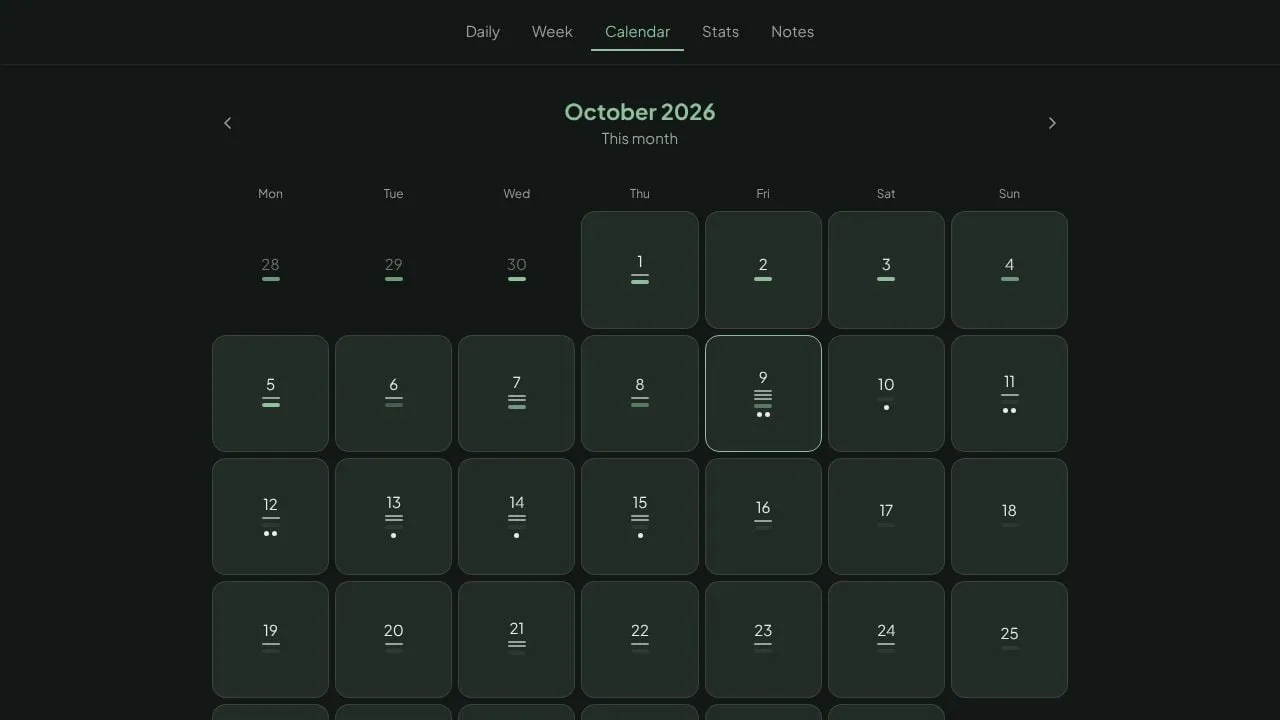
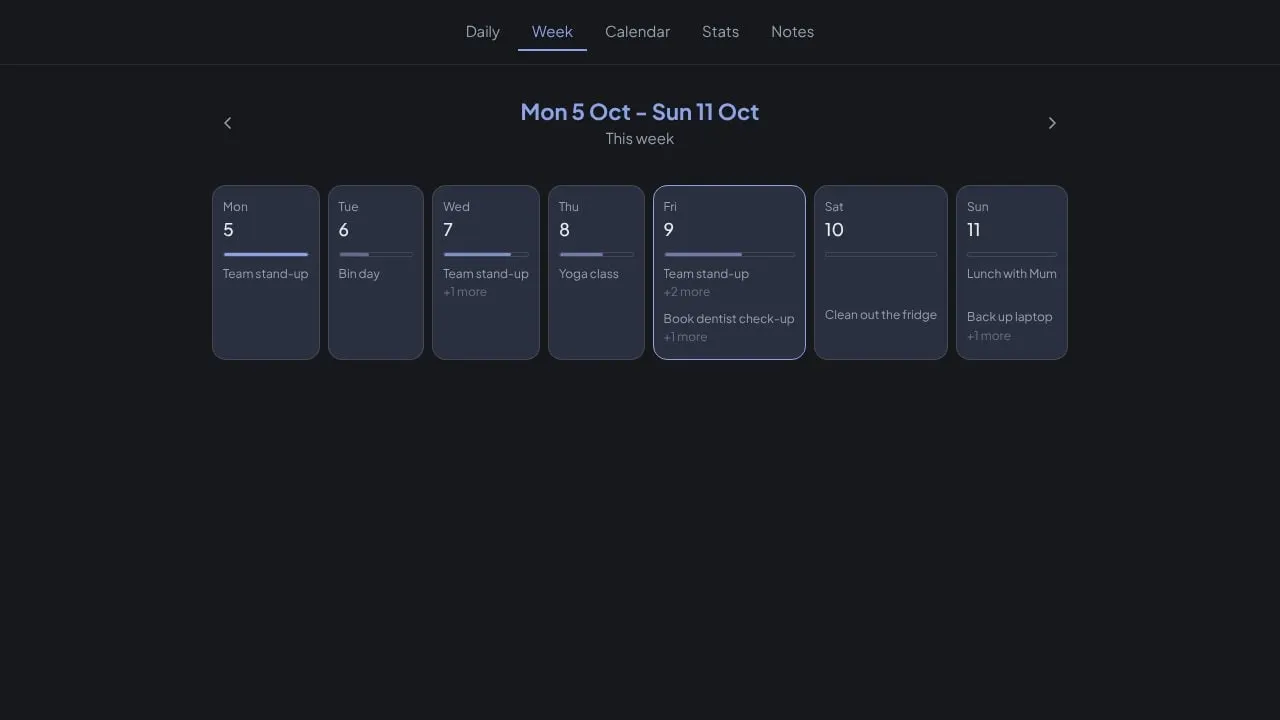
All of it: the local-first data model, routines, tasks and events, the calendar and statistics views, notes, categories, opt-in sync, read-only calendar subscriptions from Google, iCloud or Outlook, the three colour themes in light and dark, the desktop and Android apps, and the reminder system.
Reminders were the hardest part. They’re opt-in per item rather than per type, each with its own time, because a per-type default quietly loses reminders people meant to get. Items that share a time are combined into one notification, which is the only real defence against volume - “one per item per day” still lets fifteen through. And a reminder for something already done is never sent at all, rather than sent and hidden, because on the web a notification that shows nothing gets replaced by the browser’s own notice instead.
Technical detail
Data lives in IndexedDB on the device, so the app works fully offline. Sync is opt-in and additive, running through Supabase with row-level security. One TypeScript codebase ships as a web app on Cloudflare Pages, a Tauri desktop app for Windows and a Tauri Android app. Push messages carry no titles, because they pass through third-party push services on the way to the device.
What I took from it
Plainly is the first major project I’ve built outside Unity, and it meant owning the whole stack: data, sync, push notifications, hosting and installers. More than that, it’s been a lesson in designing a product around a principle and holding to it in every small decision, including the ones nobody would notice.