
Summary
Guardian Gate is a Unity package that puts a parent-only check in front of external links, purchases, ad settings and any other adult action in a children’s app, with a neutral age gate beside it. It has five gate types, sixteen ready-made screens in light and dark, and ten languages, and it works without writing any code.
Store video. Plays from YouTube.
Why I built it
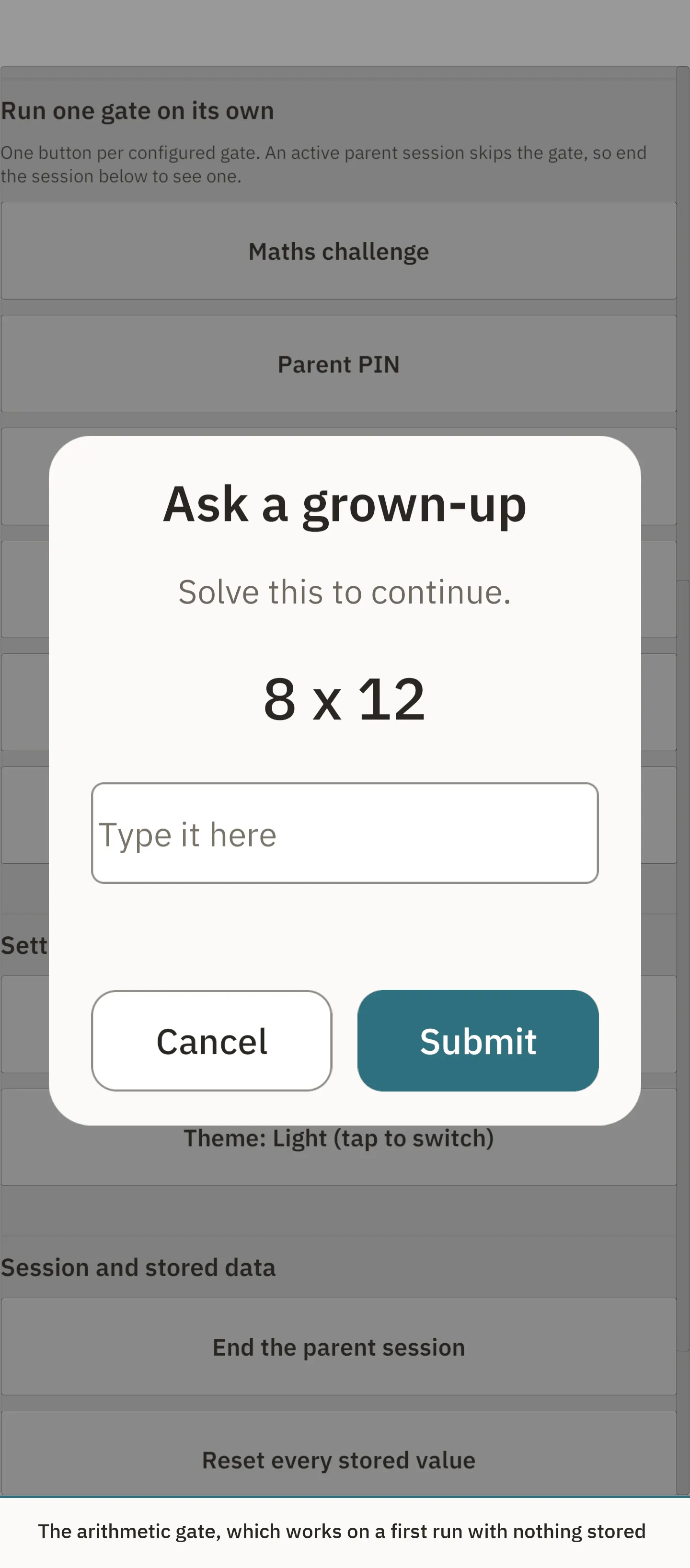
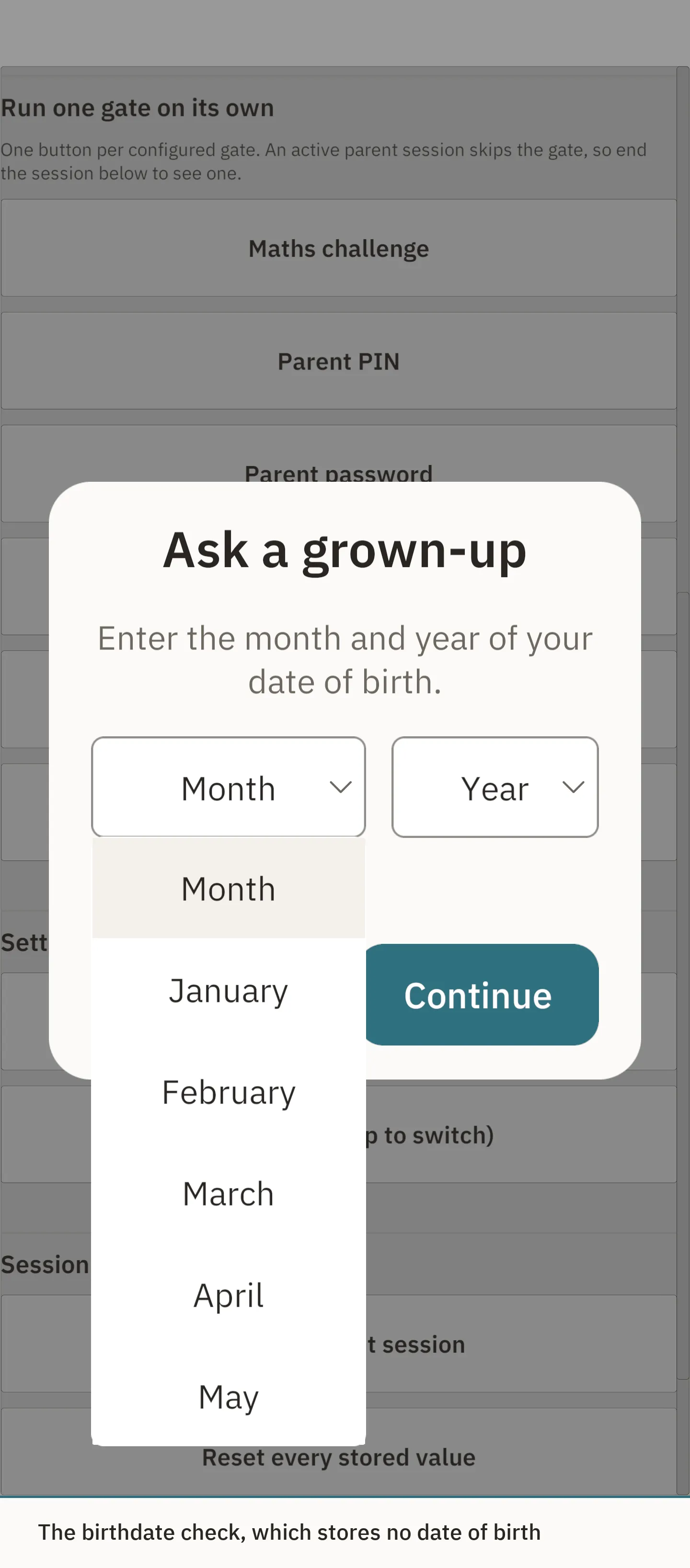
Shipping Elfmonn taught me how hard it is to get a kids’ app approved, and more than that, how hard it is to find out where the line actually sits in Apple’s and Google’s policies. The answer turns out to be two different bars. Apple’s guideline 1.3 and Google Play’s rules for external links accept any reasonable parental gate, including a simple sum. Google Play’s list for adult actions is narrower, and only accepts things like a PIN, a password or a birthdate check. It’s an easy difference to miss, and you usually find out in a review rejection.
So the package is built around answering that question for you.
What I built
I don’t think of Guardian Gate as a big technical achievement. Its value is in spotting a common need and packaging the answer well, and in making it hard to get wrong.
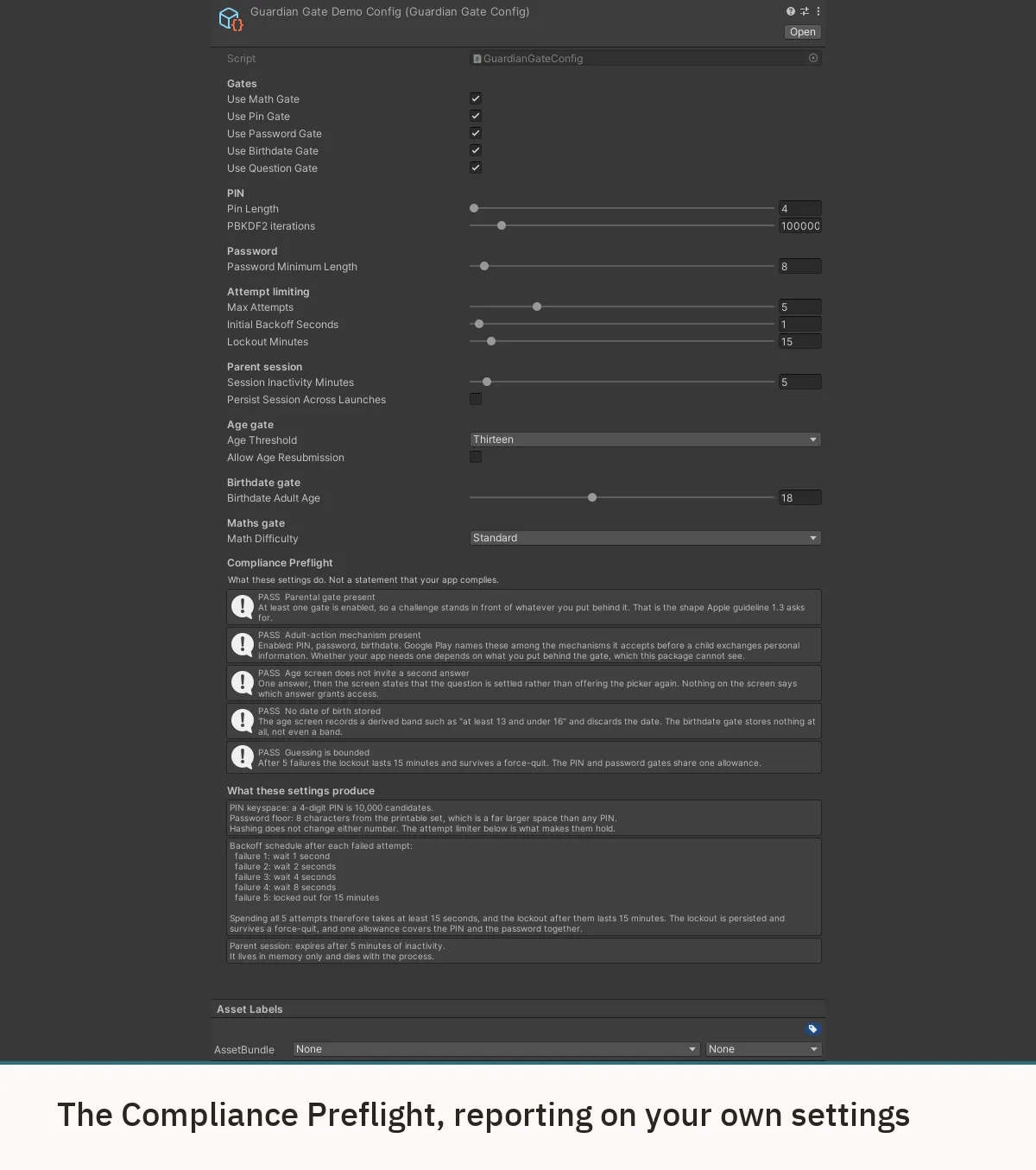
It tells you what your settings actually mean. A setting like “five attempts” is easy to type but hard to judge: is that strict enough? The package answers that in plain terms right under the settings - how many PINs are possible, how long each wrong guess makes you wait, how long a parent stays signed in - so you can see whether a choice is sensible before a reviewer decides for you. If none of the gates you’ve enabled meets Google Play’s adult-action bar, the build warns you. It reports on your configuration; it doesn’t claim to certify your app, and it says so.
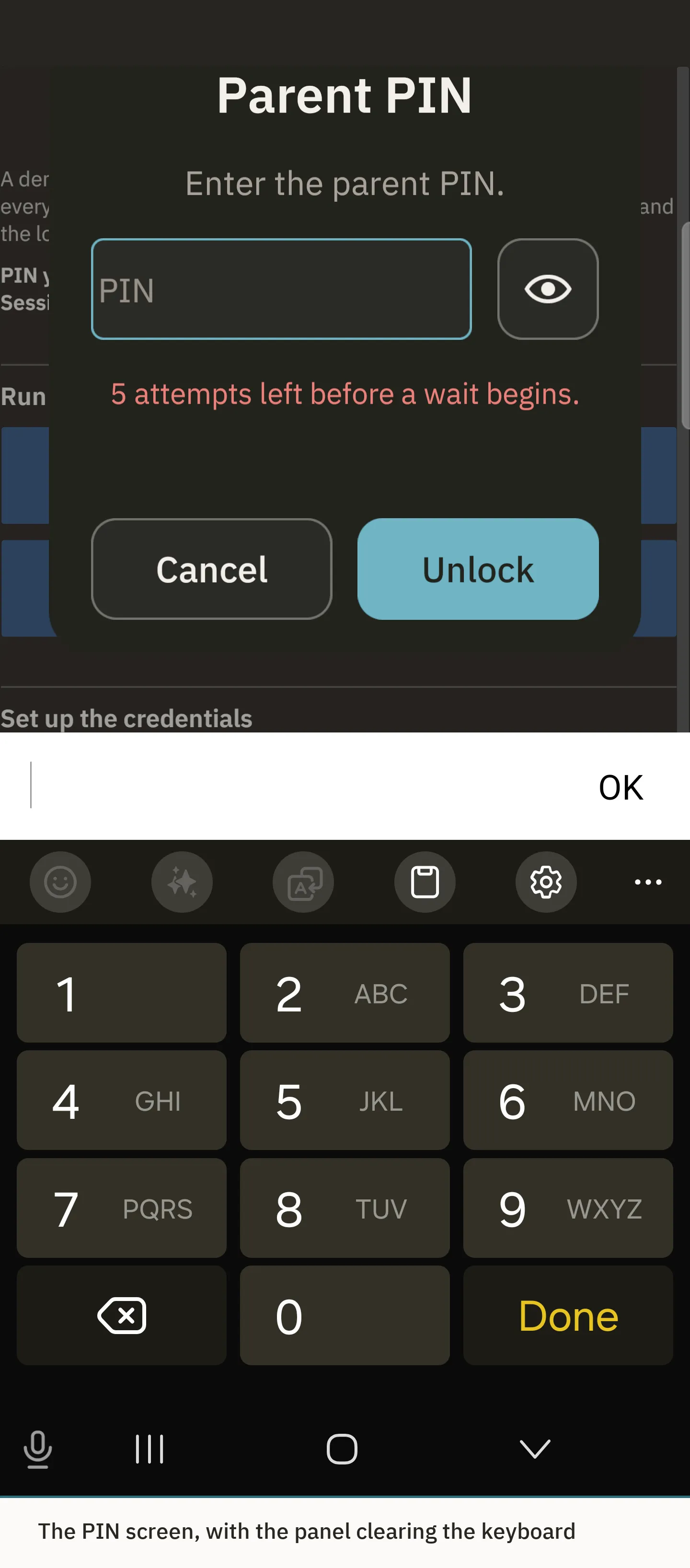
The PIN is never stored. Only a salted hash of it is kept, and it’s checked in a way that doesn’t leak timing. The real protection is the attempt limit: a child guessing at random gets five tries with a short wait between each, then one try every fifteen minutes, and the lockout survives the app being closed. Working through every four-digit PIN that way would take more than three months.
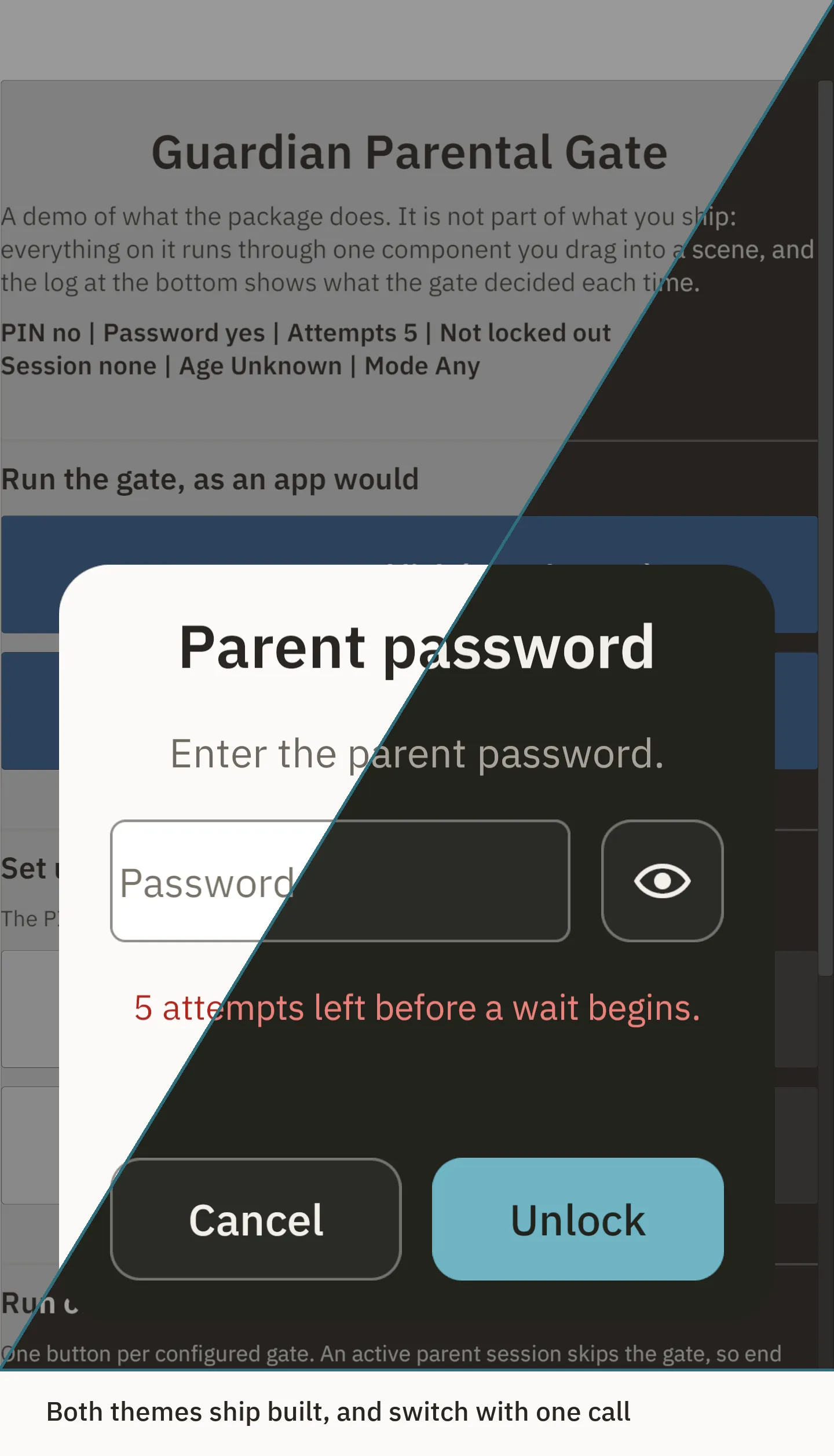
No code, no dependencies. Drop the runtime into a scene, point a button at the gate and type the URL. It works offline and depends on nothing beyond Unity’s own UI module, which mattered to me because a kids’ app is exactly where you don’t want an extra SDK. Every screen is a prefab, both themes and all ten languages ship ready, and the text can be driven from whatever localisation system a project already uses.
Technical detail
Unity 2022.3 and Unity 6, on the Built-in, Universal and High Definition render pipelines, tested on an Android phone and an iPhone, with WCAG AA contrast in both themes.
What I took from it
Guardian Gate is one of my first Asset Store products, and it taught me as much about products as about code: picking a problem I’d met myself, scoping it to what buyers actually need, and presenting it so the value is clear in the first few seconds of a store page.