
Summary
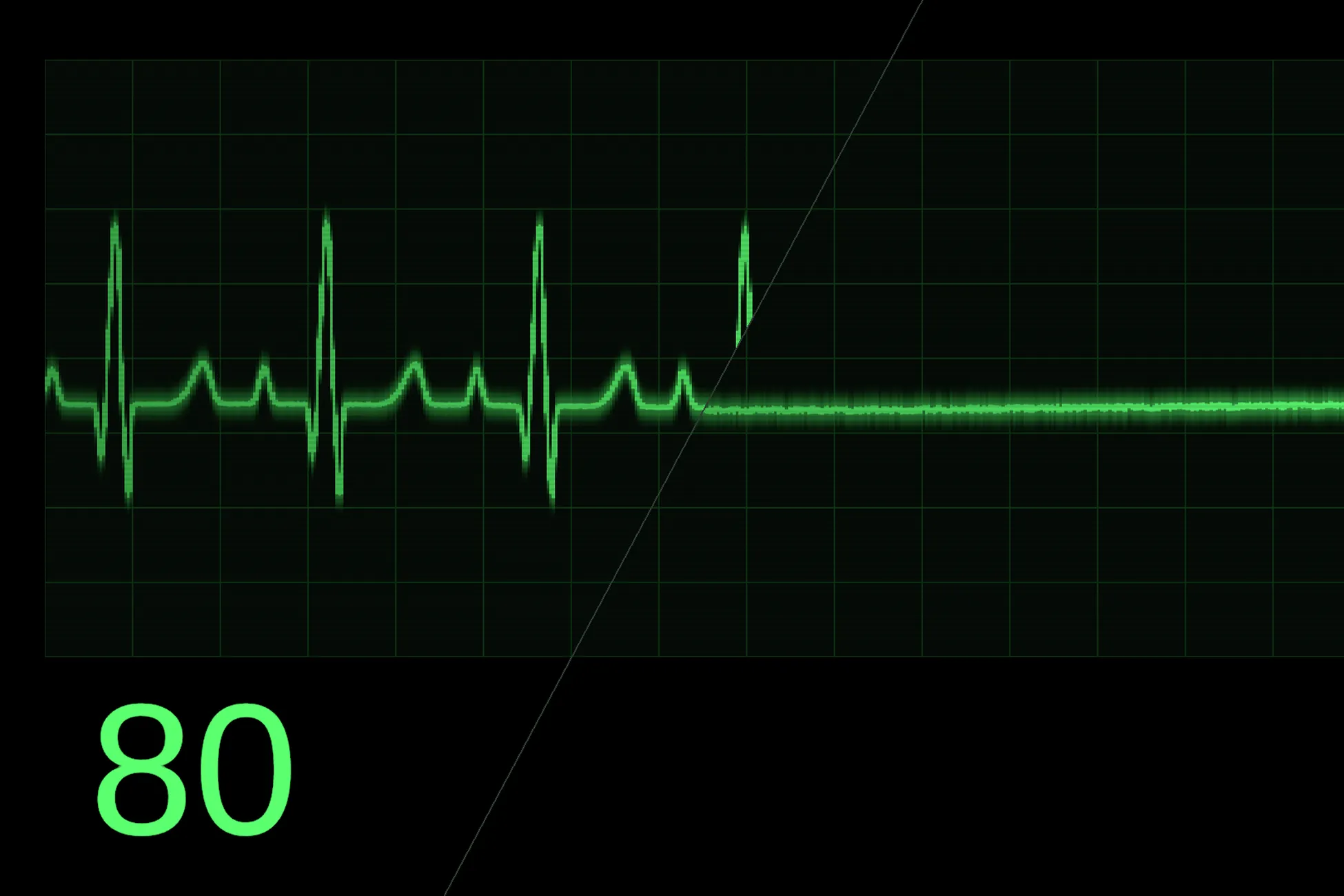
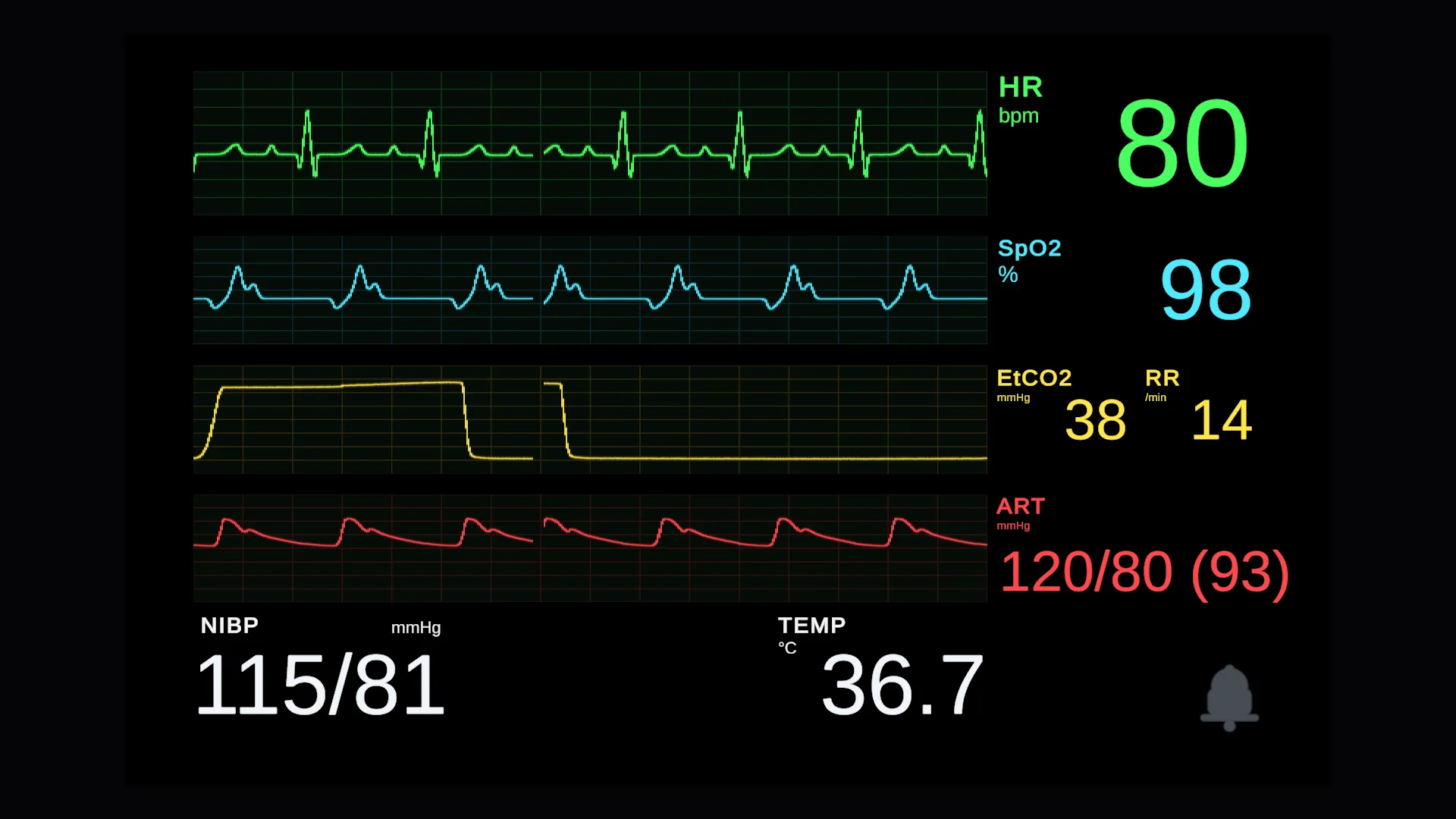
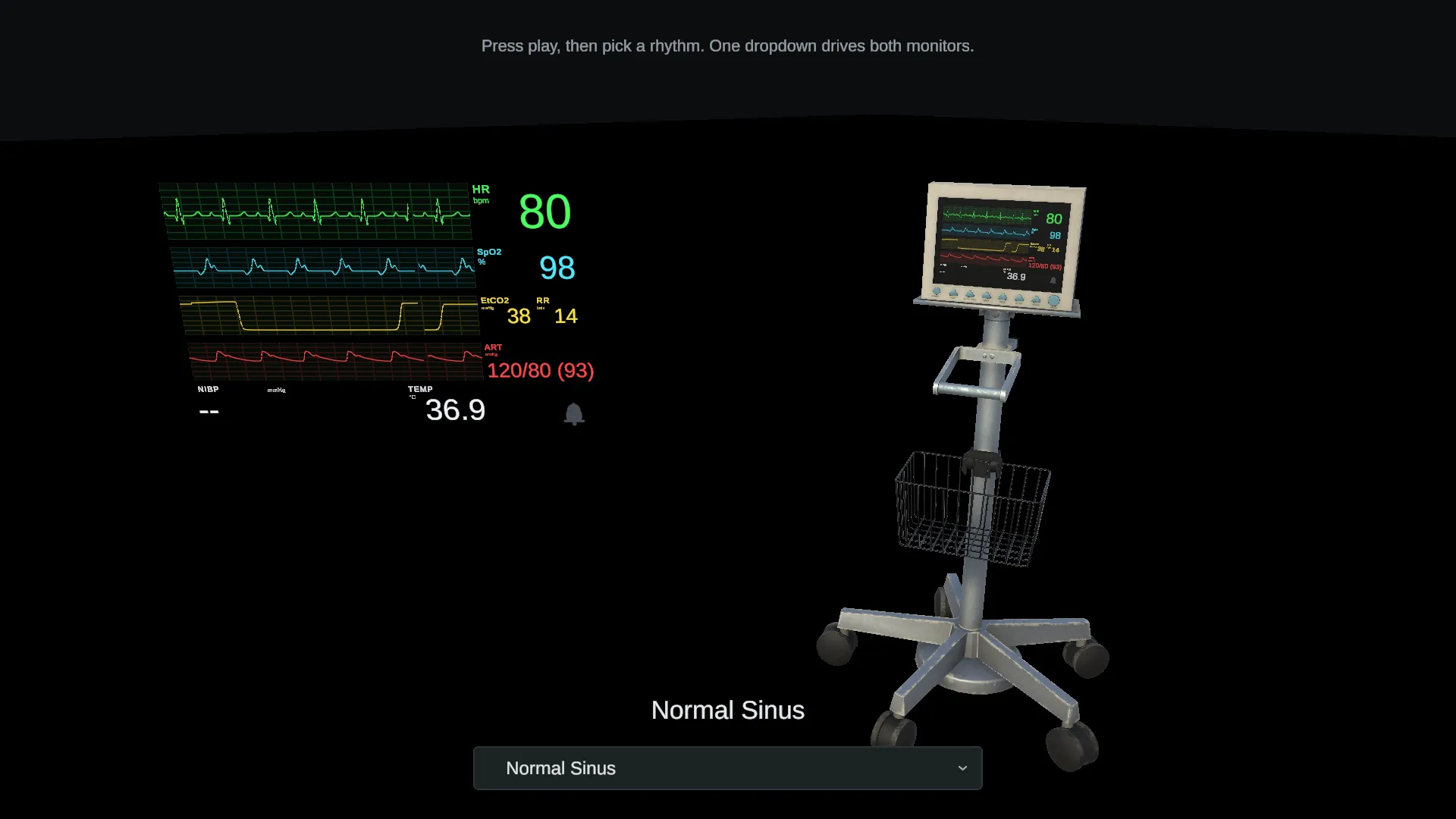
Heart Rate & Vitals UI draws animated patient-monitor displays in Unity: an ECG trace and up to three more waveforms, numeric vitals, alarms and a blood pressure cuff cycle. It comes as a world-space panel, the same panel on a plain housing, a screen HUD, and a fully modelled ECG machine whose screen carries the same display. Drop in a prefab, set a heart rate, and you have a running monitor.
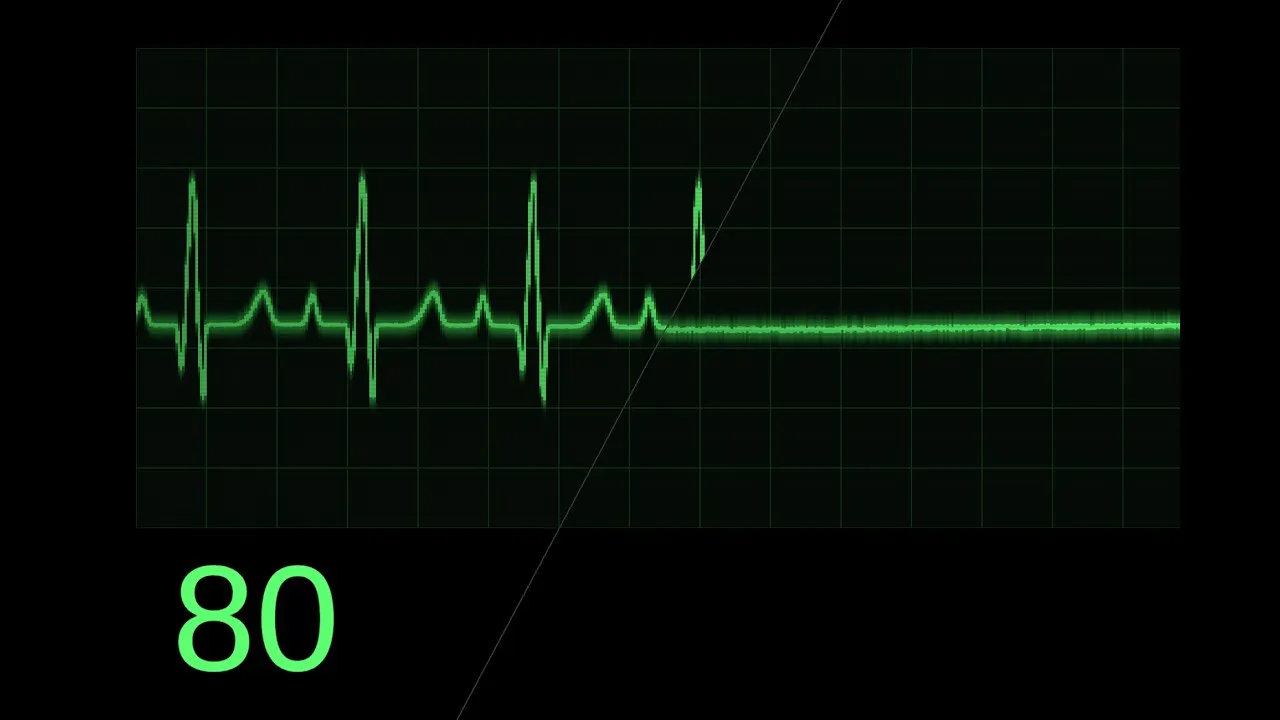
Store video. Plays from YouTube.
Why I built it
It came from working on a medical training simulation, where I couldn’t find a simple way to enter a heart rate and an oxygen level and get a monitor display out. I’d wanted that tool for a long time, so I built it.
I made one decision before writing any code: it isn’t pitched as a medical asset. It’s a display layer. It draws the numbers you give it - from game state, from your own simulation, or from a heart rate plugin you already own - and it doesn’t read sensors or model what the numbers mean. That keeps it honest for medical simulation, where the software deciding the numbers is yours, and opens it up to games: horror, sci-fi, medical drama, anything with a bedside or a medbay in it.
What I built
Like Guardian Gate, this isn’t a huge technical achievement so much as a common need packaged well. But the part I’m proudest of is the trace.
A line with no gaps. The trace is drawn in a shader from columns, each holding the lowest and highest value that fell in it, which stops the sharp spike of a heartbeat from disappearing between samples. On its own that leaves gaps: at 512 columns across a five-second window there are only about two and a half samples per column, so on the steepest part of the beat neighbouring columns don’t overlap and the line breaks into a ladder of bars. The fix is for each column to stretch to meet its neighbours, except across the gap where the sweep is erasing the old trace. A steep stroke ends up one column wider than it strictly should be, but it’s continuous, and simply adding columns wouldn’t have helped, because fewer samples per column pushes the islands further apart.
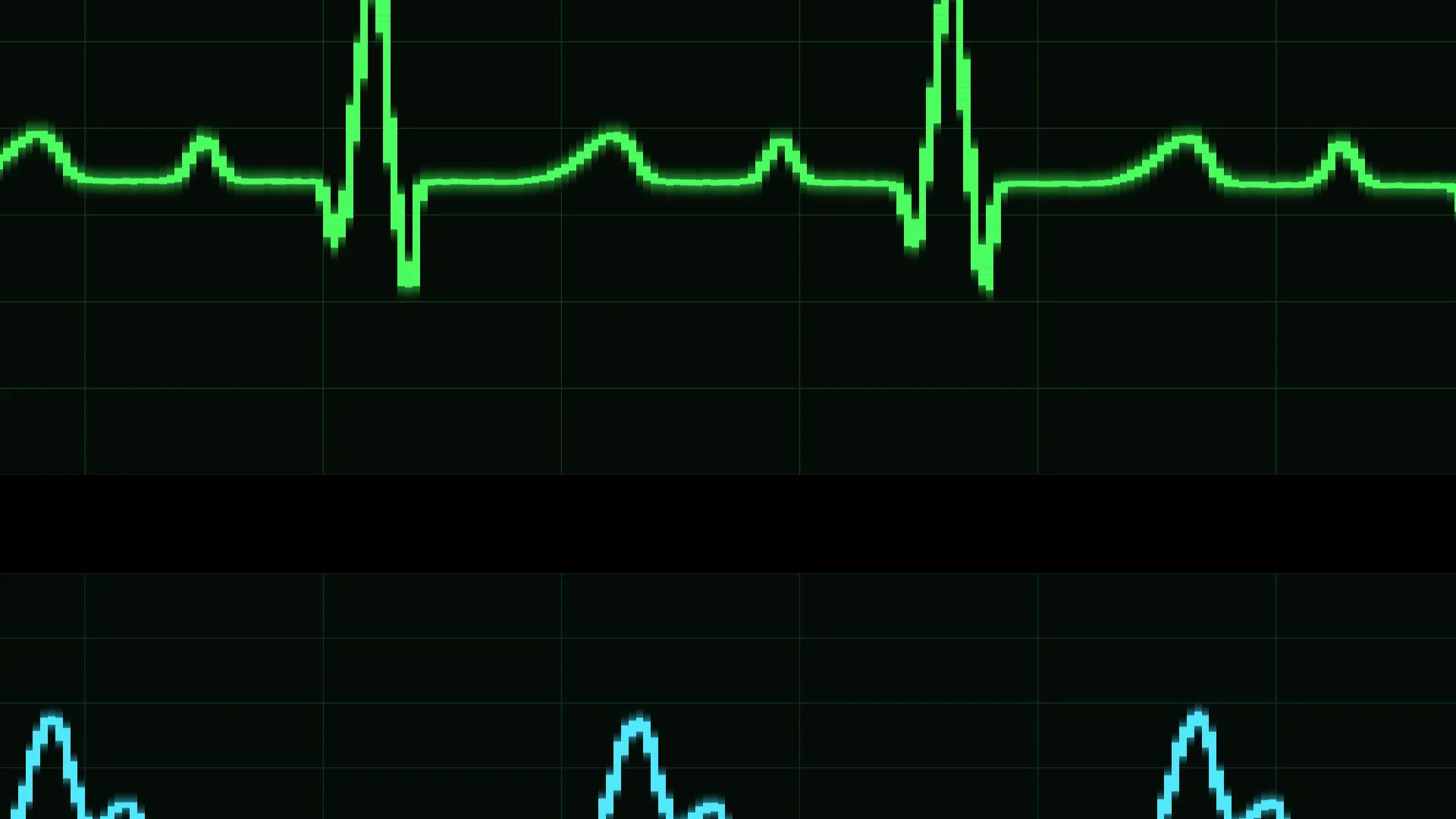
Rhythms that change shape properly. A faster heart rate doesn’t just squash the same picture. The beat itself keeps its width and only the gaps between beats close up, which is how a real trace behaves.
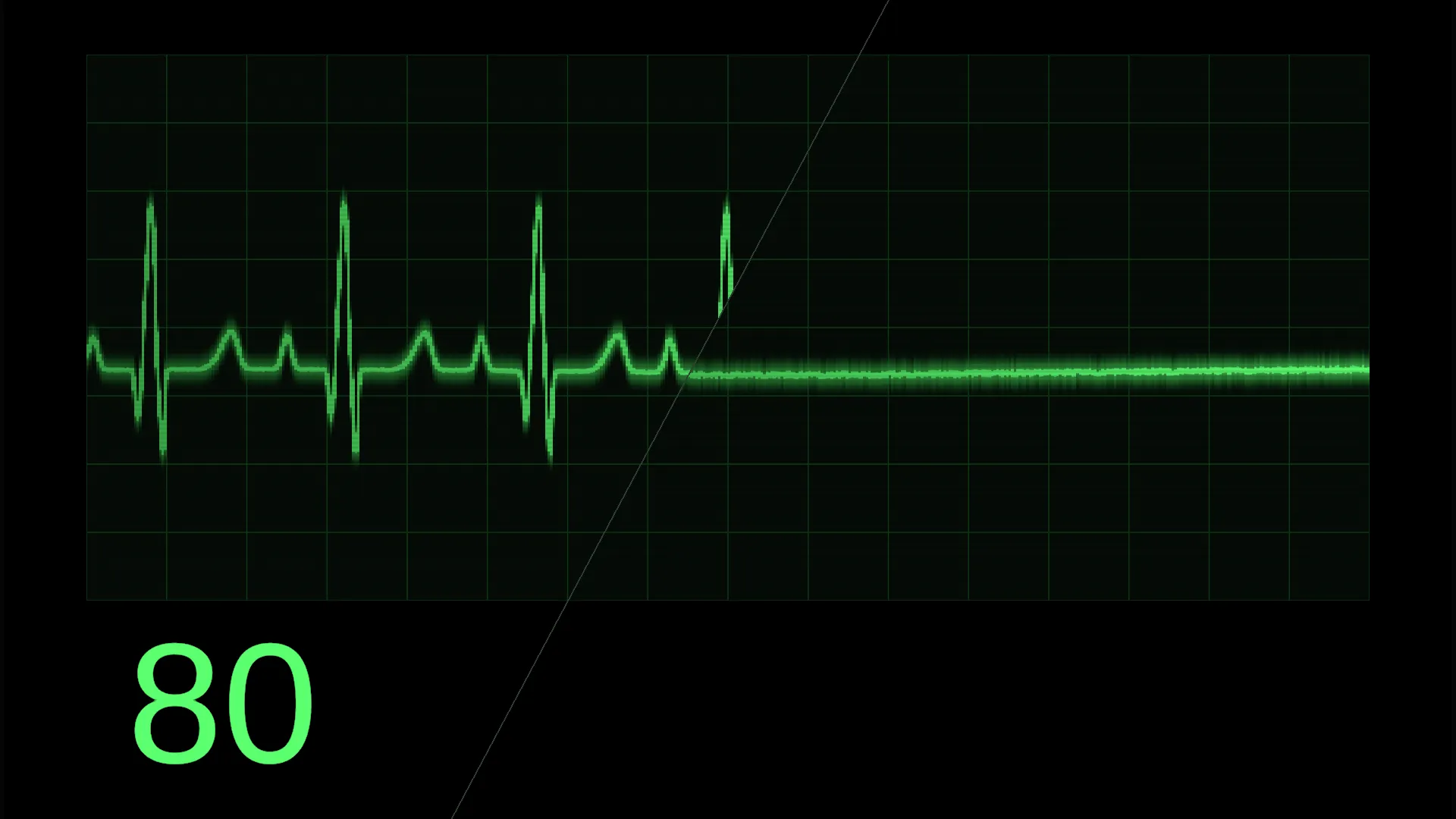
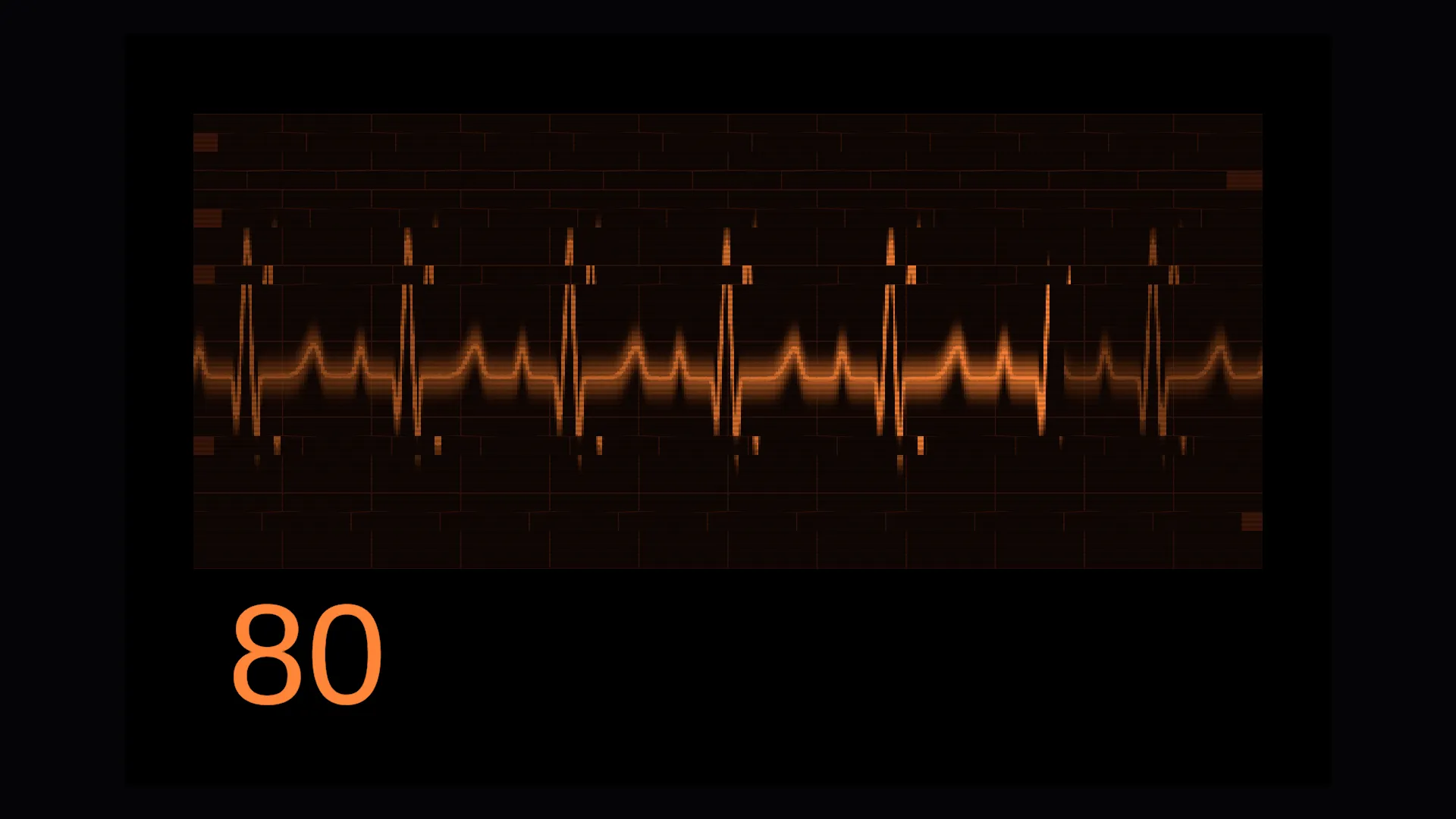
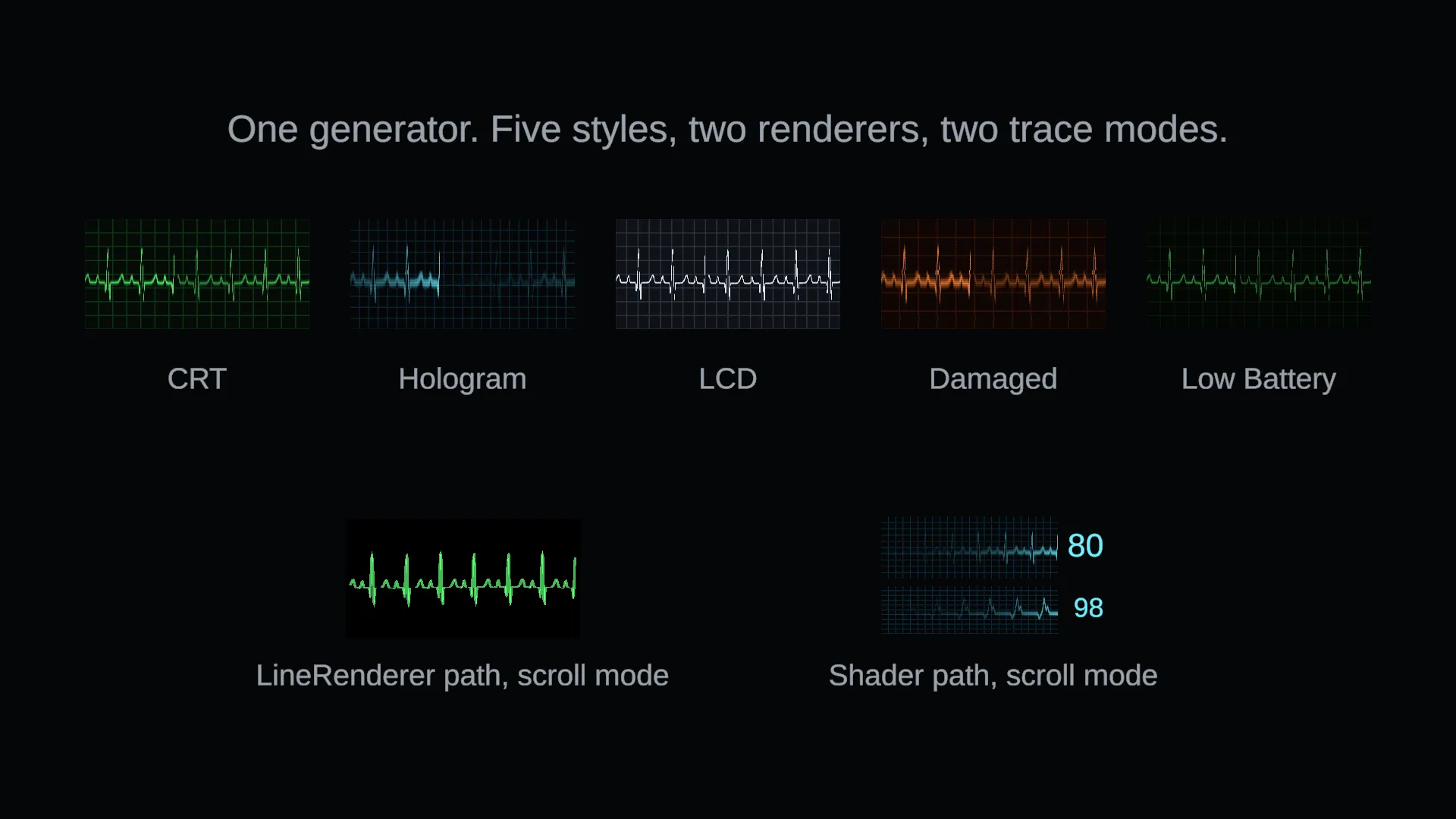
Everything is data. Rhythms and styles are assets: duplicate one, change the fields and you have a new rhythm or a new look, with no code. Every vital can be animated over time, and one rhythm crossfades into another, so you can fade a trace to a flatline over thirty seconds and land exactly on the flatline event. It ships with fifteen rhythms and five styles - CRT, Hologram, LCD, Damaged and Low Battery - and the ECG machine model was made for me by a subcontracted 3D modeller.
Technical detail
Unity 6.0 LTS or newer, on the Universal, Built-in and High Definition render pipelines, with nothing beyond TextMeshPro and uGUI. It’s been run on a Meta Quest 3 in single-pass instanced stereo, and an editor preview draws any preset while you edit it, without entering play mode.
What I took from it
The build went smoothly, and it was the clearest lesson I’ve had in scoping: deciding up front what the package is and isn’t, so every later decision had an easy answer. It’s also the first of my packages to go live on the store, and it’s taught me to look back at older projects for problems I had to solve the hard way, and to turn them into something other developers can drop straight in.